









In this side-by-side review I will go through the features of the Swiss cloud storage pCloud. How does it stack up against its closest Swiss rival Proton Drive in terms of features, privacy and price. I’m also very curious how the two compete when it comes to images, since I’ve heard pCloud should excel at media files storage.
Alright, let’s get started.
pCloud introduction
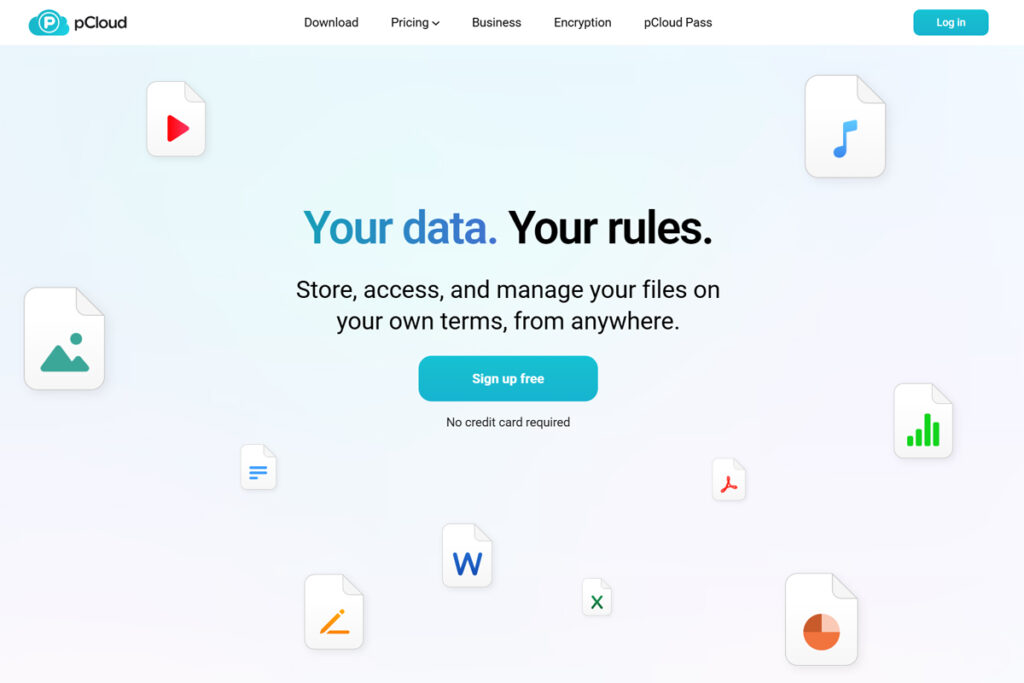
pCloud was founded in 2013 in Switzerland which is home to one of the worlds strongest privacy laws. Today pCloud has more than 22 million users and has become a reputable company for cloud storage as well as for their password manager pCloud Pass.
Proton Drive introduction
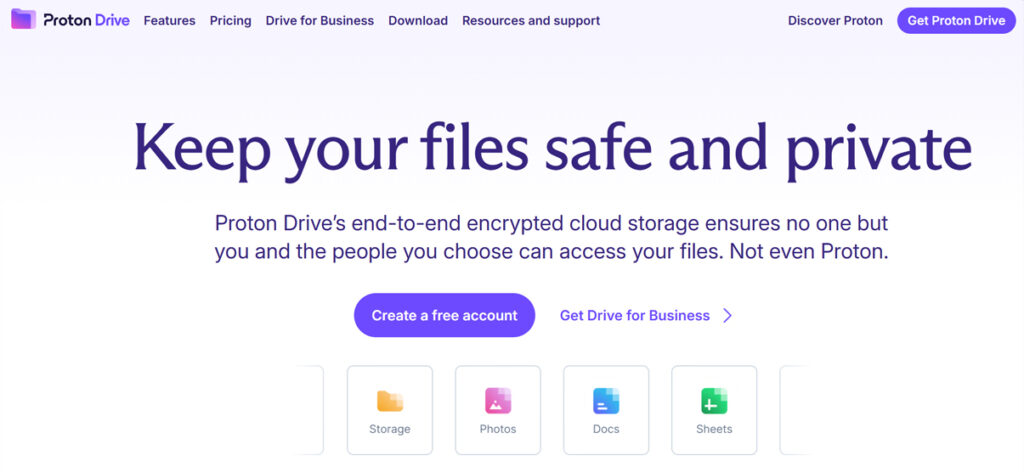
Proton as a company was founded in 2014 with the launch of Proton Mail. Proton Drive was launched in 2022 after being beta tested since 2020. Proton promises end-to-end encryption, so it’s you and only you who can see your data.
pCloud vs Proton Drive
As you might know from my recent Proton reviews, I’ve moved my cloud storage from Dropbox to Proton Drive to safeguard my data from geopolitical turmoil as well as secure my data under strong data protection laws.
But I’ve now reached my limit of 500GB of storage with a Proton Unlimited Plan. So I need more storage and on top of that I still have 150GB of images from Google Photos that I need to move as well.
So I’m in a dilemma. Should I upgrade my otherwise great Proton Unlimited plan to a Proton Duo plan with 2TB of storage for 14.99€ a month?

Or should I perhaps go with pCloud and get the needed storage paid with a lifetime plan with no recurring expenses at all?

Images and video comparison
I want to use the extra storage mainly for media files which pCloud is said to be excellent at, so I started with a free account and tested it out.
First I installed the Windows app and got my pCloud folder set up (You ofcourse also get apps for iOS and Linux by the way). I was surprised it added the cloud folder as a new drive, this is not what I’m used to from other clouds I’ve tried.

I uploaded some photos on the web app and the images were loading very fast, especially when compared to Proton Drive which has a delay when browsing through the images. So well done pCloud.
Photo backup on mobile apps
Both Proton Drive and pCloud lets you backup photos from mobile. They also both similarly have a tab on the mobile app for viewing photos.

Proton Drive has filters for videos, RAW files, selfies, portraits and so on. pCloud just filters by day, month or year which isn’t very useful.
When it comes to viewing photos on the computer, pCloud has two methods. The first way to show photos is by right clicking the icon is the system tray and selecting Photos. The other way is in the P drive under “Automatic Upload” where the images are stored, and therefore very easy to move or edit on your computer, which is very convenient.
For Proton Drive, the photos tab is nowhere to be found on the desktop app, it’s simply not there. Very odd indeed. Plus it can’t backup photos from the phone to the regular cloud folders. So, if I want my Photos stored in the regular cloud, I’m forced to open up the web app and manually download the photos. This is very inconvenient, so I urge Proton to add the option to backup my photos to a specific folder.
pCloud: A different approach to sync
At this point I noticed a big difference in pCloud from what I’m used to with Cloud storage services. First of all, pCloud is technically setup as a drive on my computer. Secondly I can’t actually use the pCloud folder the way I’m used to for offline sync.
This I found, is because the Drive itself represents the online cloud. Yes let that sink in. So if I put files directly into the drive, they will technically only be in the cloud and not on my computer.
This means if I want my files available offline, and that’s what I always prefer, the files need to stay on my normal hard drive and then be synced to the pCloud drive in a designated mirror folder.

Not like Dropbox’s “Make available offline” or Proton Drive’s “Always keep on this device” where files are placed inside the same folder whether they’re synced or not.
So let’s say I want these images available offline, and at the same time placed securely on pCloud. Then I will simply leave them on my hard drive and then set up a sync to pCloud.

Alright, so far so good, then how do I see which local folders on my harddrive are synced then? Well that’s shown by seeing this small green checkmark icon. Not super visible, but as long as my eyesight doesn’t worsen, I’ll manage.
So pCloud uses an entirely new paradigm for synchronization, however this isn’t by any means a bad thing, it just takes some getting used to.
If you feel like pCloud sync sounds a bit too weird for your taste, then you’d probably be better off with Proton Drive that works more like the “usual” cloud storage solutions.
pCloud vs Proton Drive price comparison
pCloud offers a unique payment proposition in the cloud storage market with their “Lifetime” plans. You can for example get 2TB of lifetime storage, which at the moment of recording has a price of $399 down from $599.

This means that after 4 years have passed, my 2TB of pCloud lifetime storage will have paid itself compared to a yearly plan. Compared to a monthly plan, a lifetime purchase will have paid itself after less than 3½ years.
I’m aware I won’t live forever, but it’s actually possible to change your email address in pCloud, so anyone in my family can in reality inherit my storage.
It’s important to keep in mind that you can always purchase more storage, however with lifetime plans it works a little differently. So, if you have 500GB of storage and purchase another 2TB, then you will pay the normal price for the 2TB and simply end up with 2½TB of storage. So it simply adds on top of your existing storage.

In comparison Proton Drive just offers monthly and annual plans, like most other cloud storage services. You can get Proton Drive as a standalone app, but the limit is 200GB. For more storage you need a Proton Unlimited plan which includes access to many other Proton products. View my full Proton review if you’d like to know more.
Here’s an overview of the Proton Drive options comparing prices for yearly plans:
| Proton Plan | Storage | Price | Link |
|---|---|---|---|
| Proton Free | 5GB | FREE | Explore |
| Drive Plus | 200GB | €3.99 | Get 40% off |
| Proton Unlimited | 500GB | €9.99 | Get 30% off |
| Proton Duo | 2TB | €14.99 | Explore |
| Proton Family | 3TB | €23.99 | Explore |
pCloud vs Proton Drive privacy comparison
In terms of privacy Proton should be the clear winner right? Proton’s known for their end-to-end encryption, so I would assume pCloud was inferior.
Let’s compare the two side-by-side:
| Proton Drive | pCloud | |
|---|---|---|
| Encryption model | End‑to‑end encryption (E2EE) by default – files are encrypted on your device before they leave it, and Proton never holds the decryption keys | Offers client‑side encryption, but it’s a paid add‑on. Without the Encryption add-on, pCloud can technically view your files if compelled |
| Hosting location | Only in Switzerland | Either EU (Luxembourg) or US (Dallas, Texas) |
| Swiss privacy law | Yes | Yes |
| No tracking | Yes | Yes |
| Open source | Yes | No |
| Regularly audited | Yes | No |
So the assumption that Proton is the most secure option holds up, however the extra pCloud “Encryption” add-on raises the security to client-side level. So remember to factor that in if security is a major concern for you.

I also noticed that when a file is locked inside the “Crypto” chamber, it’s neither accessible to edit or share – so not very practical.
For me I expect to mostly store media files on pCloud and keep my top-secret salsa recipes on Proton Drive.
pCloud vs Proton Drive file sharing comparison
As you might have seen in my Proton review, sharing files with Proton Drive isn’t easy. It only works from the browser and when you’ve found the file to share, it still takes multiple clicks before having a share link copied to your clipboard.

Here pCloud is way easier, similar to how Dropbox does it, you can share a file quickly by simply right clicking it on your desktop and clicking “Share link” which opens up the share dialog box. Here you can also choose to set a password or an expiration date.

It’s also easy to start collaborating in pCloud, instead of “Share link” you just share a folder instead which becomes available to any number of people you invite. You can even set a cover photo and image for the folder – a great feature for photographers and nerds like me.

Import and version history
Backups
pCloud offers one-time backups for Google Drive, OneDrive, Dropbox/Dropbox business and Google Photos. However the Google Photos importer only lets you import 2000 images at a time, and there’s no “mark all” button, which makes it unusable.

Proton Drive doesn’t have the same import tools, only for Google Photos where you have to download first using Google Takeout, and then select one folder at a time to import into Proton Drive Photos.

Version history
For a paid plan pCloud has 30 days file history backup but you can extend it to 365 days with “Extended file history”. However this is a paid extra feature though.
With Proton Drive you get a wide range of version history from the Unlimited Plan and up, choose everywhere between 7 days and 10 years.
It’s not bulletproof though, since I accidentally deleted a folder, and apparently folders aren’t included in the history – only files, so everything inside that folder was permanently lost. I suspect this will be improved in the future, but for now it’s a risk you seemingly have to live with.
pCloud vs Proton Drive synchronization speed comparison
My experience with Proton Drive synchronization is that it’s quite slow to start, but in a long work day I don’t really notice it. pCloud has been said to have rather low limits to their upload speeds so I had to do a comparison.
I ended up getting a Proton Duo plan to increase my storage to 2TB, and did a test with 5 files totaling 10GB. I have a pretty fast gigabit internet connection, so that shouldn’t be a bottleneck. I was surprised that they both were fast at pretty much 2 minutes and 40 seconds each. I know this isn’t a super deep test, but it at least gives a glance at their respective performances.
Verdict
Since I’ve now updated to 2TB of Proton storage I will keep using Proton Drive for my storage. I like the fact that it has end-to-end encryption by default and I think it’s just simpler to have one service for cloud storage instead of multiple.
However I do see the benefits of pCloud. Especially for photographers and videographers, pCloud makes the day-to-day much easier, with fast playback, quick image previews and speedy sharing.
Also the functionality for collaborating by folders with the added branding is great for client projects.
So, if you prioritize convenience and, not to mention lifetime storage at a fixed price, then pCloud is your cloud.
But if maximum security is a non-negotiable, and you like the comfort of up to 10 years version history, then Proton is the way to go. So I’ll keep my internal documents in my now abundant 2TB of storage I get with a Proton Duo plan.
Disclaimer: You can help support content creation. If you click some of my links, WP Explainer may get a compensation. I only partner with companies and products that I’d happily recommend to my audience.

Related tutorials
Proton 2026 review: One year after
This one year Proton review (2026) examines the concerns I had when I started vs. the reality I experience today
The best European cloud storage services
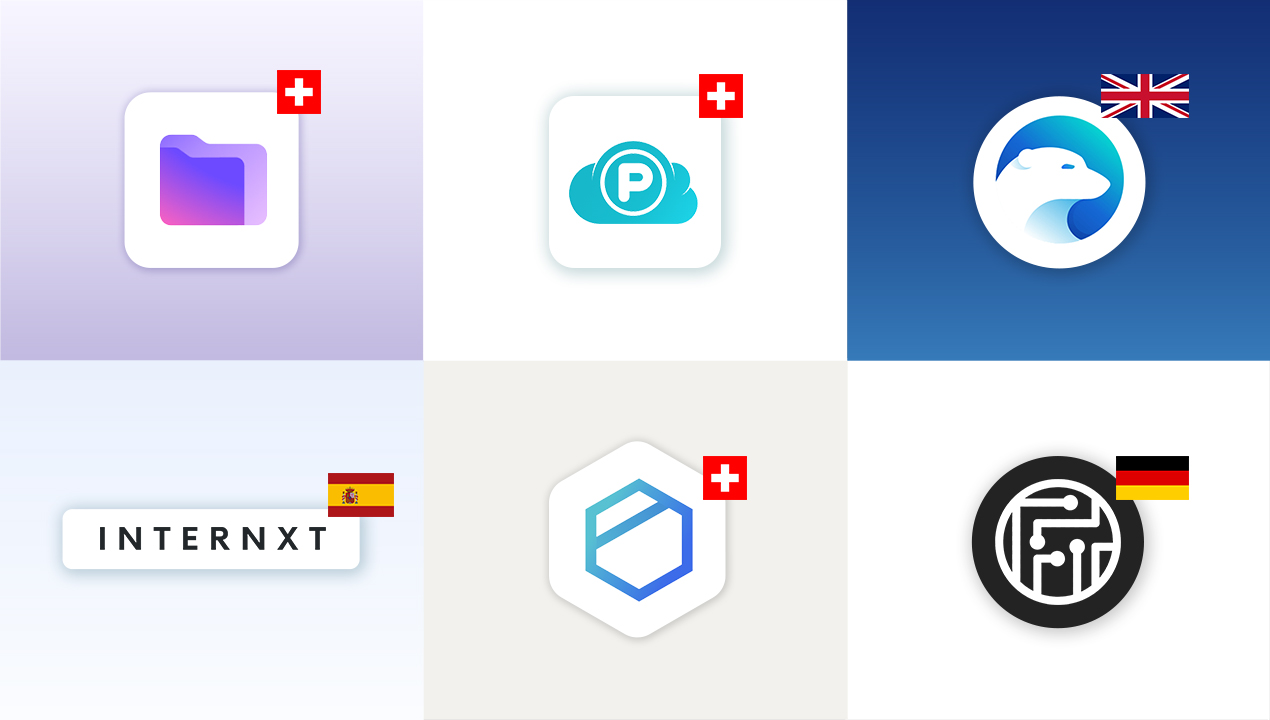
Explore big tech alternatives and leading European cloud storage providers: Proton Drive, pCloud, Internxt, Icedrive, Tresorit, Filen and kDrive
Proton Mail vs Gmail comparison – A matter of prioritization
A side-by-side comparison of the strengths and weaknesses of the two email clients: Proton Mail and Gmail
Proton Mail custom domain tutorial
In this quick tutorial you will learn to setup your own custom domain in Proton Mail
Proton Mail review – The best private email service?
This review examines the features as well as the benefits and frustrations of switching to Proton Mail

Proton Review: Why and how I switched to Proton – Benefits and frustrations
This review examines the benefits and frustrations of switching to Proton Mail, Pass, VPN and Drive