







It’s now been a year and 4 months since I moved away from my various US tech services and into Proton’s ecosystem. So now, it’s time to reflect on the grievances and concerns I had then vs. the reality I experience today.
Spoiler alert! I’m still happy about Proton, even despite the new issues that has arisen – I’ll get to that later.
As you might know from my previous reviews I had 4 good reasons to switch to Proton back then, which are still relevant today:
- Price: It turned out I could save money using Proton which is still the case today, but with a catch that I’ll explain more about later
- Privacy: I was using many US tech services and needed to take my privacy more seriously
- Geopolitical unrest: The geopolitical situation has only worsened since then, which gives me an even stronger incentive to stay with Proton
- Ease of use: As I’ll explain more about in this review, Proton still makes my daily life easier

If you want to learn more about HOW and WHY I switched to Proton, check out my previous review here.
Concerns then vs. reality now
Then vs. now: Proton Mail
Alright let’s dig into the concerns I had then vs. the reality I experience today.
Let’s begin with the most important app in the lineup: Proton Mail.
In my previous reviews I’ve talked about the spam filter and the fact that I had to deal with a lot of spam that wasn’t caught by the filter. Today it’s working almost flawlessly since I now very rarely have to deal with any spam emails. So today I know it’s true what Proton claims: the machine learning spam filtering does improve significantly over time.

The biggest thing I’ve felt was missing in Proton Mail is the live search that I’ve been so accustomed to from Gmail. As I’ve stated in previous reviews it’s annoying that I have to click to activate the search bar, but on top of that, I don’t get any suggestions while typing. I’m forced to press enter and then begin browsing the results. I hope Proton will add live search results in the future.

Another grievance was the lack of any inbox cleanup function and this is still the case. It would be nice to be able to remove large attachments and save storage space, especially since the storage is limited to only 500GB on the Unlimited plan.
One feature that I also feel is missing, is the option to pick a standard folder to show when opening the Proton Mail mobile app. Every time I have to click the burger menu and then select my go-to folder – it’s a minor thing but it would be very helpful.

Funnily enough the only time I’ve experienced an outage on Proton Mail was when I started preparing this review. It was only for about two minutes, so I basically have nothing to complain about when it comes to outages.
Then vs. now: Proton Drive
The Proton Drive mobile app can sometimes be slow to preview my images when browsing outside of Wi-Fi range which is annoying – maybe they can decrease the size of the preview images to increase the speed. Of course when I was trying to record it, the images were loading much faster.

Also, it’s still not possible to quickly share a link to a file by right clicking it in the file explorer. So I still have to do the cumbersome procedure of opening Drive in the browser, finding the file, choosing share and then activating and copying the link.
C’mon Proton it’s 2026! You need to add this, almost all other Cloud Storage solutions from Dropbox to pCloud have this feature.
Then vs. now: Proton VPN
When I made the switch to Proton I had grievances regarding the Proton VPN mobile app frequently cutting the connection. But it turned out they were caused by my phones ‘battery saving mode settings’ being reset occasionally.

So, if you’re experiencing issues, just go to “Allow battery usage” and select “Unrestricted” which should solve the issue.
Also, I realized I didn’t need to have my VPN turned on all the time anyways, so now I only turn it on when needing to browse specific foreign websites.
Docs and sheets
What about Proton Docs and Sheets? I’m sad to say that I’ve been too locked in to Microsoft 365 to make the switch to Proton Docs and Sheets. The fact that the Proton file extensions aren’t compatible makes a huge difference, but I am aware that I need to transition to an alternative at some point.
Both because I want to switch to and support a European service provider, but also because the price for Microsoft 365 just keeps randomly increasing like the 30% price jump last year.
The best experiences with Proton so far?
Well, the reliability of the Proton email client and apps in general have been a relief, not that I’m surprised, but you never know until you try. Also the email filters and folders I set up initially when I made the switch, are still holding up.

I’ve gotten into the habit of using email aliases on every signup and then adding that alias to relevant folders for instance a folder for webshops – it just works without issues and it keeps my emails organized the way I like it.
Another big joy of using Proton is logging into websites with Proton Pass. It’s just been super reliable and very quick to use.
What are the Proton apps missing?
At first I really missed the convenience of Google Photos’ inbuilt image editing features on my Pixel phone. Proton Drive doesn’t have any features of that kind, so instead I had to find a separate app to do my image editing. I settled on Photoshop Express, which made sense since I’ve still not transitioned away from my Adobe subscription.

I just had to enable the Photoshop Express save folder in my Proton Drive backup settings, so now when saving an edited photo it’s automatically added to my backups.
Please let me know in the comments if you know of any European alternative.
The cost of Proton
When I made the switch back in March ‘25 I was looking forward to the prospect of saving money on the Proton Unlimited plan vs. my many different services I was paying to before.

However I ended up reaching my 500GB of storage which got me into a dilemma. Either upgrade to a Proton Duo plan with 2TB of storage or purchase another Cloud storage subscription somewhere else.
I did consider buying a pCloud lifetime plan, which is another Swiss cloud storage provider. You can watch my Proton Drive vs. pCloud review if you’re interested. I ended up upgrading to Proton Duo even though the price is a tad higher. Well, the price of €287.76 for 24 months sounds steep but in reality it’s “only” €11.99 a month. This is still less than half the price I paid before I switched to Proton.

The reason I chose Duo was partially to keep my setup as simple as possible, but I also wanted to bring my wife away from US tech and into the Proton ecosystem. I both wanted to protect her privacy as well as share our intertwined Calendars with each other, without the burden of synchronization delays to and from her iCloud Calendar.

According to Proton support, the sync frequency to external calendars is 4 hours which, I think for most people, is unacceptable.
We made the switch to Proton Calendar together very recently, and it turned out very well. My Proton Calendar review is still in the works, follow me on YouTube if you’re interested.
Proton Duo
Am I happy about the switch to Proton Duo then? Well besides the extra storage which is now 2TB of end-to-end encrypted storage, I also got the Scribe writing assistant which has been surprisingly helpful.

I’m not the best at writing formal emails, so Scribe has helped me become better at writing these types of replies. It’s also nice to be able to expand or shorten an answer as well as make it more formal or friendly, so it’s been more useful than I expected.
Domain limit
The big unfortunate disadvantage for any personal, Duo or family Proton plan is the limit of 3 custom email domains. I’ve seen countless users on community threads pleading Proton to add an option to at least pay for extra domains. If you want more domains you have to purchase a business plan, now called Workspace, where the limit is suddenly 15-20 domains per user. This is much more expensive since you get two users on a Duo plan instead of paying for every single user on a business plan.
You can get up to 38% discount on Proton Unlimited by using my affiliate links found here.
I was already using up the 3 domains on my existing Unlimited plan so now I’m considering moving my personal domain to another EU alternative to make space for my wife’s business domain. It’s a huge annoyance and it seems too greedy for Proton to keep this extremely sparse restriction.
Shouldn’t Duo mean double the domains? Give us at least 5 domains on a Duo plan! You can check out my article about alternative European mail clients if you’re interested.
Do I feel locked in to the Proton ecosystem?
Well, I’m definitely making myself more dependent on the Proton ecosystem the longer I use it. Especially when it comes to email aliases. I’m using aliases so frequently now that the idea of migrating away from Proton gets harder and harder to imagine, since I’d have to change more than 60 email addresses.

But then again, that is more than 60 potential ways of getting my email exploited, that I’m now protected from – so the dependency is kind of justified.
Other than that, I don’t feel locked in, besides the minor detail of having paid for two years in advance.
Conclusion
After a year and 3 months I’m still very satisfied with Proton. As you’ve seen in this review, some annoyances have disappeared will others have come up, but I’m willing to put up with them.
Especially because:
- I’m safeguarding my data from big tech and geopolitical turmoil
- I’m protected by the European GDPR regulations
- I’m signaling to my clients that I treat their data responsibly
Proton isn’t perfect, but overall, I’m very satisfied and have no intention of switching away.
So in short, Proton is still an easy recommendation.
Disclaimer: You can help support content creation. If you click some of my links, WP Explainer may get a compensation. I only partner with companies and products that I’d happily recommend to my audience.

Related tutorials
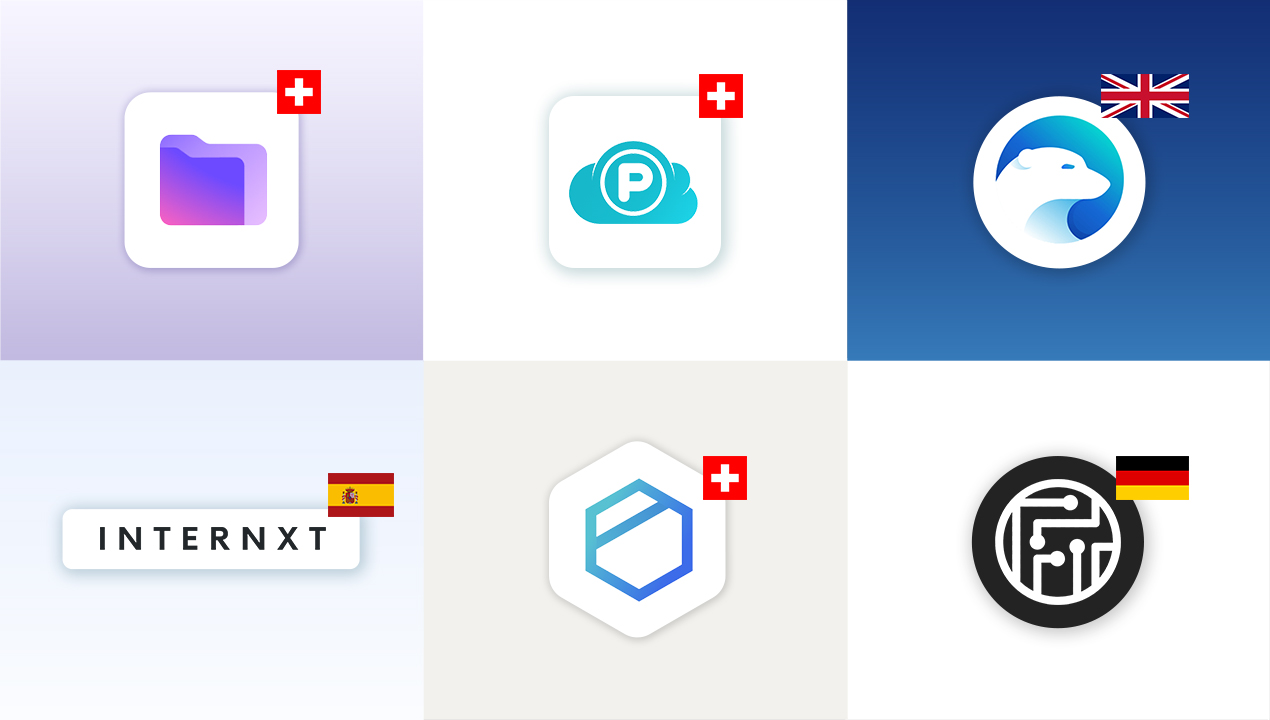
The best European cloud storage services
Explore big tech alternatives and leading European cloud storage providers: Proton Drive, pCloud, Internxt, Icedrive, Tresorit, Filen and kDrive
pCloud vs Proton Drive – Swiss cloud storage comparison
A comparison of the two Swiss cloud storage providers pCloud and Proton Drive. How do they stack up against each other in terms of features, privacy and price
Proton Mail vs Gmail comparison – A matter of prioritization
A side-by-side comparison of the strengths and weaknesses of the two email clients: Proton Mail and Gmail
Proton Mail custom domain tutorial
In this quick tutorial you will learn to setup your own custom domain in Proton Mail
Proton Mail review – The best private email service?
This review examines the features as well as the benefits and frustrations of switching to Proton Mail

Proton Review: Why and how I switched to Proton – Benefits and frustrations
This review examines the benefits and frustrations of switching to Proton Mail, Pass, VPN and Drive